The Halden Aero 14 is a laptop that does almost everything well and charges accordingly, and the gap between what it costs and what it gives you is the whole review.
What it is
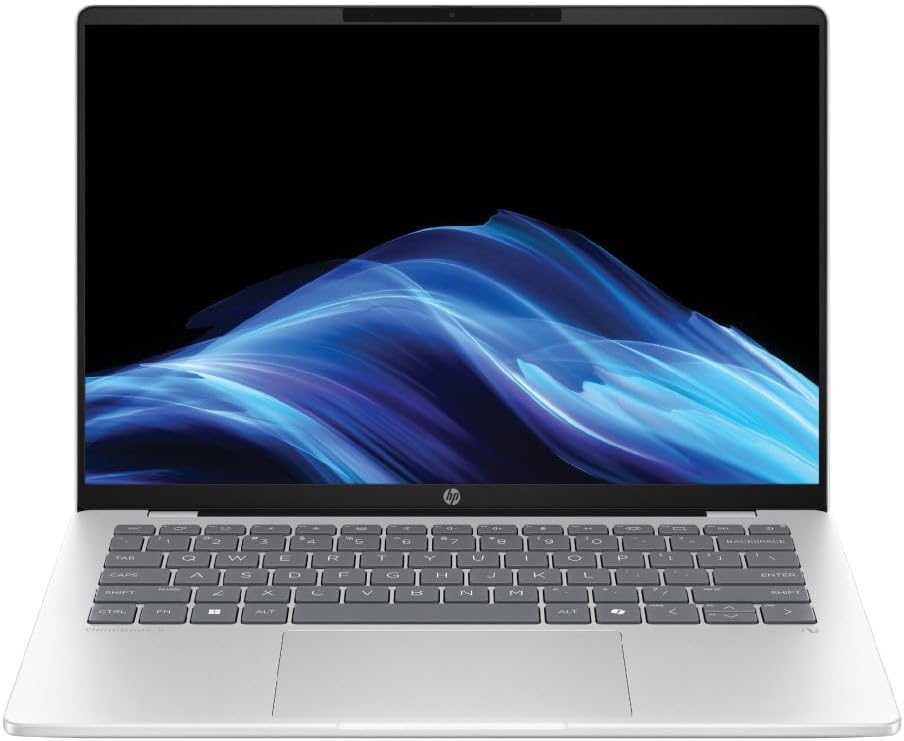
A 14in machine weighing 1.32kg with a 2880x1800 OLED panel, 32GB of memory, a 1TB drive and a 75Wh battery. The chassis is aluminium, the hinge is stiff in the right way, and the port selection is generous: two USB-C with Thunderbolt, two USB-A, HDMI 2.1, a card reader and a headphone jack.
The screen justifies the price
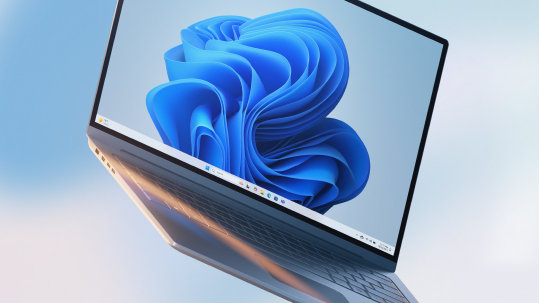
The OLED panel is the best part of the machine. It covers the full sRGB gamut and most of DCI-P3, it is bright enough to use outdoors at 500 nits, and the contrast makes text look sharper than the resolution alone would suggest.
For photo work it is genuinely colour-accurate out of the box, which is rare and is what you are paying for.
Performance and thermals
The processor is a current-generation part with a sensible power limit, and the result is predictable rather than spectacular. Sustained workloads hold their clock speed, the fans stay quiet under normal use, and it throttles only after about twenty minutes of full load.
That is the correct behaviour for this class of machine. If you need sustained performance, you need a thicker laptop.
Battery
Nine hours of mixed use, six under heavy load. That is good for an OLED panel and short of the best in class, which manage eleven or twelve with a dimmer screen.
What is wrong with it
- The price. It is expensive for the specification, and the premium is for the screen and the build.
- The webcam is average in good light and poor in a dim room.
- The speakers are decent but thin below 200Hz.
- Repairability is poor. Memory is soldered and the battery is glued.
That last point matters if you keep laptops for five years, which at this price you should.
Who should buy it
The Aero 14 makes sense for someone who works with photographs or video colour and wants a light machine that is accurate without a calibrated external monitor. It does not make sense for someone who mostly writes, because the screen premium is wasted and a machine half the price does the job.
If writing is your workload, the Kestrel Slate 13 review covers the commuter option, and the budget laptop guide covers what the money buys at the other end.
FAQ
Is OLED a burn-in risk on a laptop? Less than on a TV, because the taskbar and menus move. Static interface elements are the risk, and the panel manages it.
Can you upgrade the memory? No. Buy 32GB now if you think you will need it.
Does it run cool enough for lap use? Yes at light load, no under sustained work.
Is it worth the premium over a standard panel? Only if colour accuracy is part of your job.
The verdict
Quiet competence at a loud price is the fair summary. The Aero 14 is well built, accurate and pleasant to use, and it asks a premium that only makes sense for people who need the panel. For everyone else, it is a very good laptop at the wrong price.
Further reading: iFixit's laptop repair guides on what soldered memory means for longevity.