Most people should use a password manager and most people still do not, which is why the same passwords keep appearing in breach dumps. The choice matters less than the habit: any of the three below is dramatically better than memory, and the differences between them are about how you want to live rather than which is secure.
What a password manager actually does
It generates a long random password for every account, stores it encrypted, and fills it in. You remember one strong passphrase instead of two hundred weak ones. It also tells you which of your passwords have appeared in a breach, which is the feature that earns its place on day one.
Nothing here replaces a second factor. A manager protects the password; a passkey or authenticator app protects the account. Our passkey explainer covers that side.
The three that are worth your time
Bitwarden: the one we would recommend to most people
Open source, audited, works on every platform including Linux, and the free tier covers unlimited passwords and device sync. The interface is functional rather than elegant, and the browser extension occasionally needs a reload.
Why it wins: it is the only major manager whose free tier is genuinely complete, so you can recommend it to family without asking them to pay.
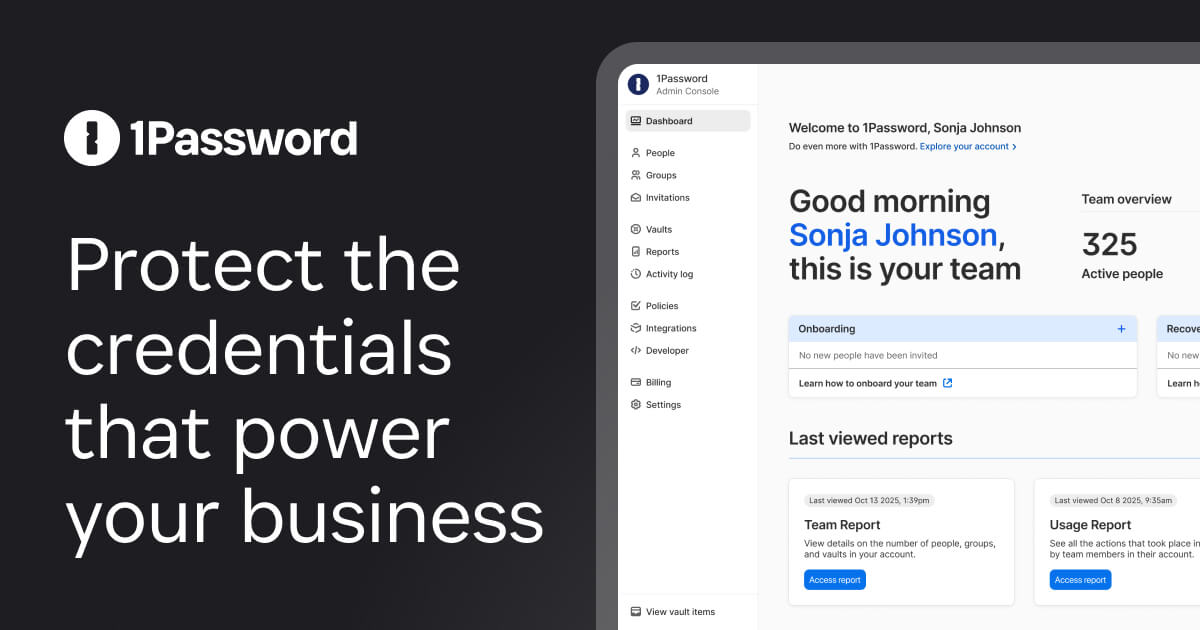
1Password: the best experience
Polished apps, a good sharing model for families, and travel mode that removes sensitive vaults from your devices when you cross a border. It is a subscription with no free tier.
Why it wins: if you will actually use the thing, the better interface is the security feature. The best manager is the one you open.
Apple Passwords: the one you already have
Built into iOS and macOS, syncs through iCloud, supports passkeys and now has a standalone app. It is free and it is good, and its weakness is that it only works properly inside Apple's ecosystem.
Why it wins: zero friction for iPhone households. Why it loses: no meaningful Windows or Android support.
What to check before you commit
- Export exists. Never move your passwords into a manager you cannot export from.
- Two-factor on the manager itself. This is the account that holds everything else.
- Recovery kit printed and stored. If you lose the device and the recovery code, you lose the lot.
- Family sharing, if anyone else in the house will use it.
- Breach alerts, because the first useful thing any manager does is tell you which accounts to fix today.
Migration is the hard part
Every manager can import from a CSV exported from a browser. Do that once, delete the CSV, and check that autofill works before you remove the browser's built-in password store. People get stuck because they import, then keep using the old store, and end up with two half-accurate databases.
FAQ
Is it safe to keep everything in one place? Yes, if the master password is strong and unique and the account has two-factor. The risk is your master password, not the concept.
What if the company is breached? A well-built manager stores encrypted vaults, so a breach exposes ciphertext. Your master password is what stands between the two.
Do I still need to change passwords regularly? No. Change them when a service is breached, and make each one unique.
Is a browser's built-in manager enough? For many people it is better than nothing. It is weaker on sharing and cross-device use.
The bottom line
Pick Bitwarden if you want free and complete, 1Password if you want polish and will pay for it, and Apple Passwords if your household is entirely Apple. Then spend an hour replacing your reused passwords, starting with email and banking, and turn on a second factor everywhere it is offered.
Further reading: the NCSC guidance on passwords and Have I Been Pwned to check which accounts are already exposed.